reading-notes
Class-01 reading Summary
React is a JavaScript library for building user interfaces, it’s used to build single page applications and allows us to create reusable UI components.It is a JavaScript library created by Facebook and a tool for building UI components. Instead of manipulating the browser’s DOM directly, React creates a virtual DOM in memory, where it does all the necessary manipulating, before making the changes in the browser DOM. React finds out what changes have been made, and changes only what needs to be changed.
Create React App
In order to learn and test React, we should set up a React Environment on our computer. The create-react-app is an officially supported way to create React applications.
If we have NPM and Node.js installed, we can create a React application by first installing the create-react-app.
we can Install create-react-app by running this command in your terminal:
C:\Users\Your Name>npm install -g create-react-app
we are now ready to create our first React application! if we run this command to create a React application named myfirstreact:
C:\Users\Your Name>npx create-react-app myfirstreact
The create-react-app will set up everything you need to run a React application.
Run the React Application
If we followed the two commands above, we are ready to run our first real React application!
Run this command to move to the myfirstreact directory:
C:\Users\Your Name>cd myfirstreact
Run this command to execute the React application myfirstreact:
C:\Users\Your Name\myfirstreact>npm start
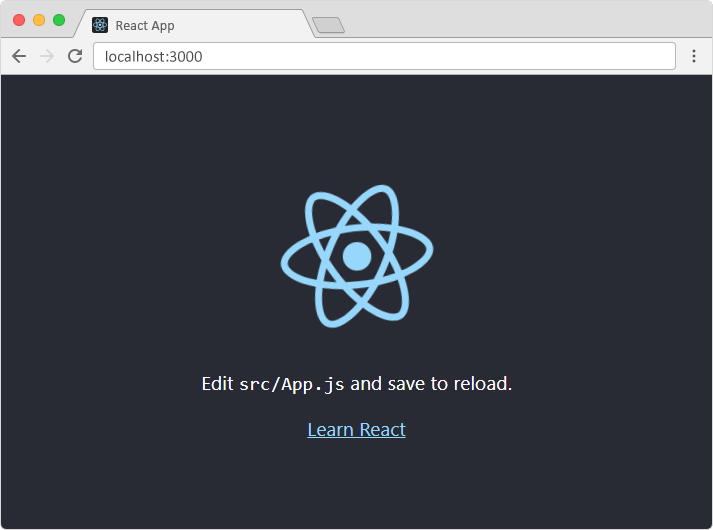
A new browser window will pop up with your newly created React App! If not, open your browser and type localhost:3000 in the address bar.
The result:
React Getting Started
To get an overview of what React is, we can write React code directly in HTML But in order to use React in production, we need NPM and Node.js installed.
React Directly in HTML
The quickest way start learning React is to write React directly in your HTML files.