reading-notes
Duckett HTML book Chapter 7 : Forms
The best known form on the web is probably the search box that sits right in the middle of Google’s homepage.
Form Controls
There are several types of form controls that you can use to collect information from visitors to your site:
- Adding Text.
- Making Choices.
- Submitting Forms.
- Uploading Files.
How Forms Work

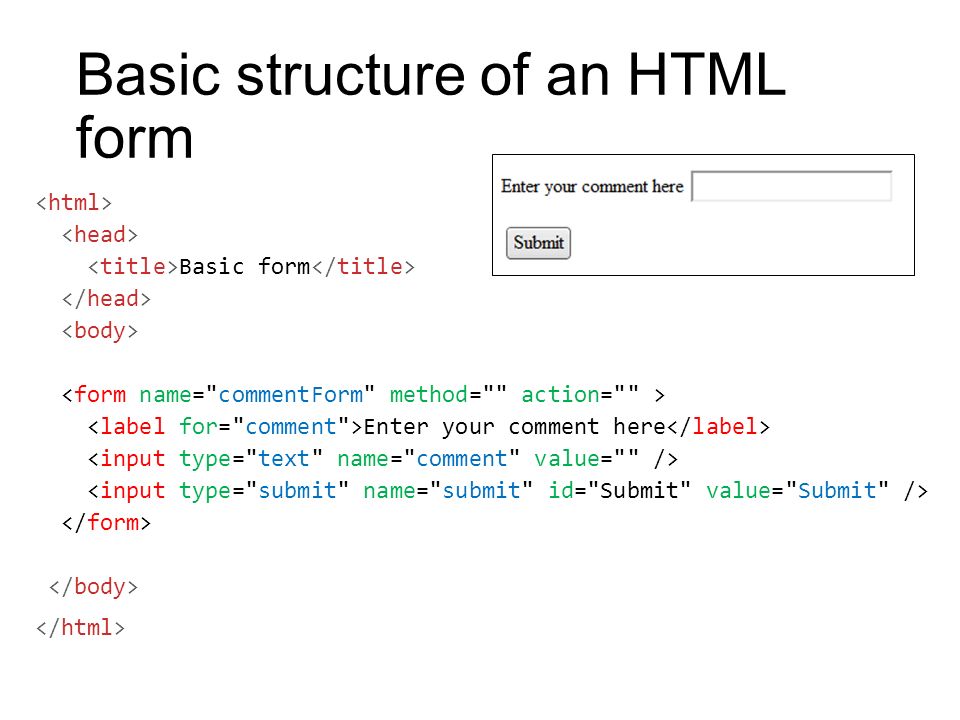
A form may have several form controls, each gathering different information. The server needs to know which piece of inputted data corresponds with which form element.
Form Structure:
Duckett HTML book Chapter 14 : Lists, Tables & Forms
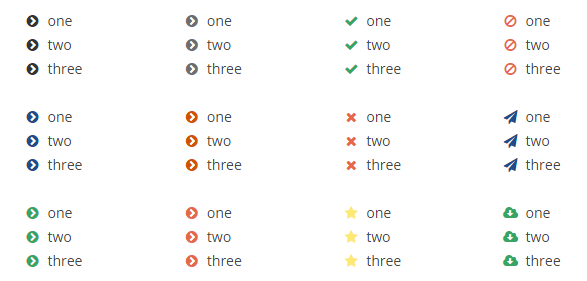
Bullet point styles
- list-style-type
The list-style-type property
allows you to control the shape
or style of a bullet point (also
known as a marker).
It can be used on rules that
apply to the <ol>, <ul>, and <li>
elements.
Images For Bullet
- list-style-image
You can specify an image to act
as a bullet point using the
list-style-image property.
The value starts with the letters
url and is followed by a pair
of parentheses. Inside the
parentheses, the path to the
image is given inside double
quotes.
This property can be used on
rules that apply to the <ul> and
<li> elements.
Positioning the Marker
Lists are indented into the page by default and the list-styleposition property indicates whether the marker should appear on the inside or the outside of the box containing the main points. This property can take one of two values:
- Outside.
- Inside.
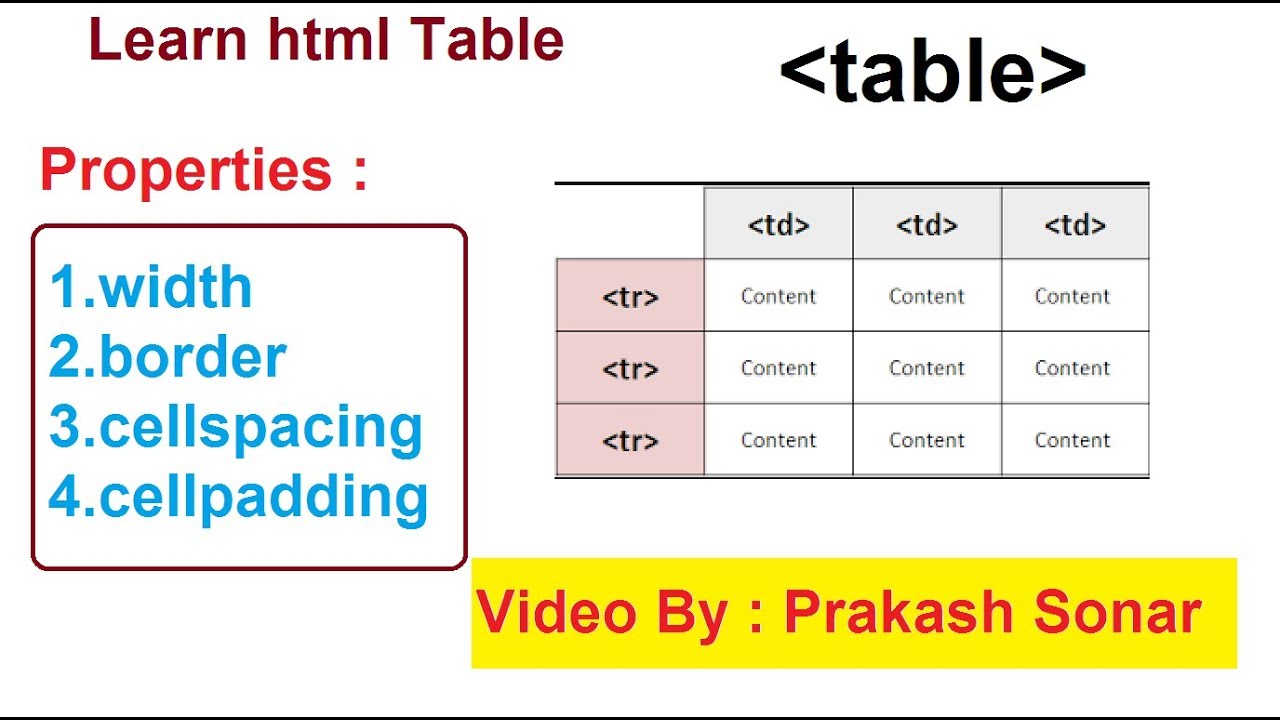
Table Properties
Duckett JavaScript book Chapter 6 : Events
HTML events are “things” that happen to HTML elements.
When JavaScript is used in HTML pages, JavaScript can “react” on these events. An HTML event can be something the browser does, or something a user does.
Here are some examples of HTML events:
- An HTML web page has finished loading
- An HTML input field was changed
- An HTML button was clicked
Often, when events happen, you may want to do something. JavaScript lets you execute code when events are detected. HTML allows event handler attributes, with JavaScript code, to be added to HTML elements.
-
With single quotes:
<element event='some JavaScript'> -
With double quotes:
<element event="some JavaScript">